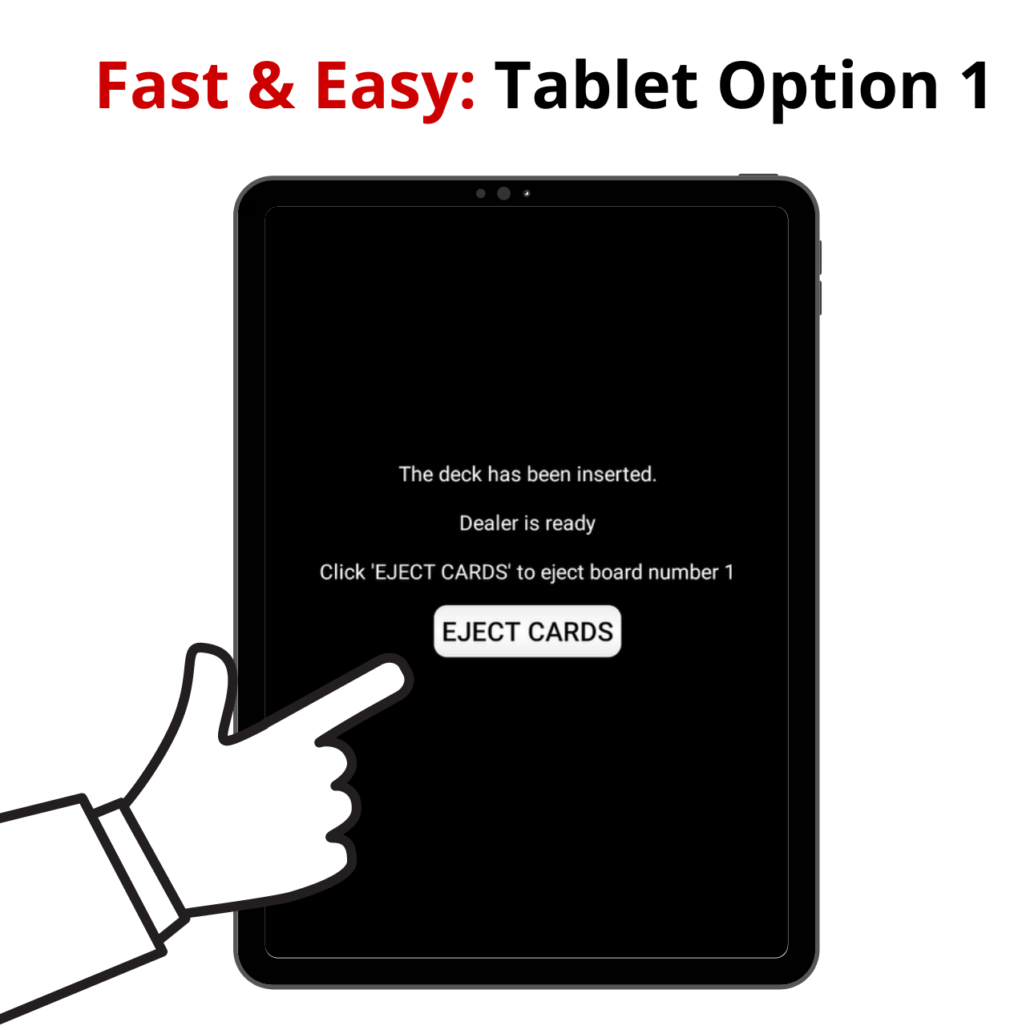
4.1 Tablet Option 1
How can I use this tablet option as a teacher?
This tablet option is ideal for a beginner’s lesson, where you want to show minimal game details to the bridge students for teaching purposes, such as preventing confusion by showing very few game details on the tablet.
How to select tablet option on the server
- Click on ‘Admin’
- Click on ‘Teaching set’
- Click on ‘Create new teaching set’
- Select, create, or import a new teaching set (Click here for a guide)
- Click ‘Next’
- Click on ‘1 Eject cards’
- Click on ‘Next’ twice’
- Click on ‘Finish’
Tablet options
- Start your teaching set (Click here for a guide)
- The tablet will only demonstrate the dealer ejecting cards for each player