To download version 1.9.22 of the Bridge+More Android app, we kindly ask you to follow the steps below.
-
To download the App version 1.9.22 please click this link bridge-v1-9-22
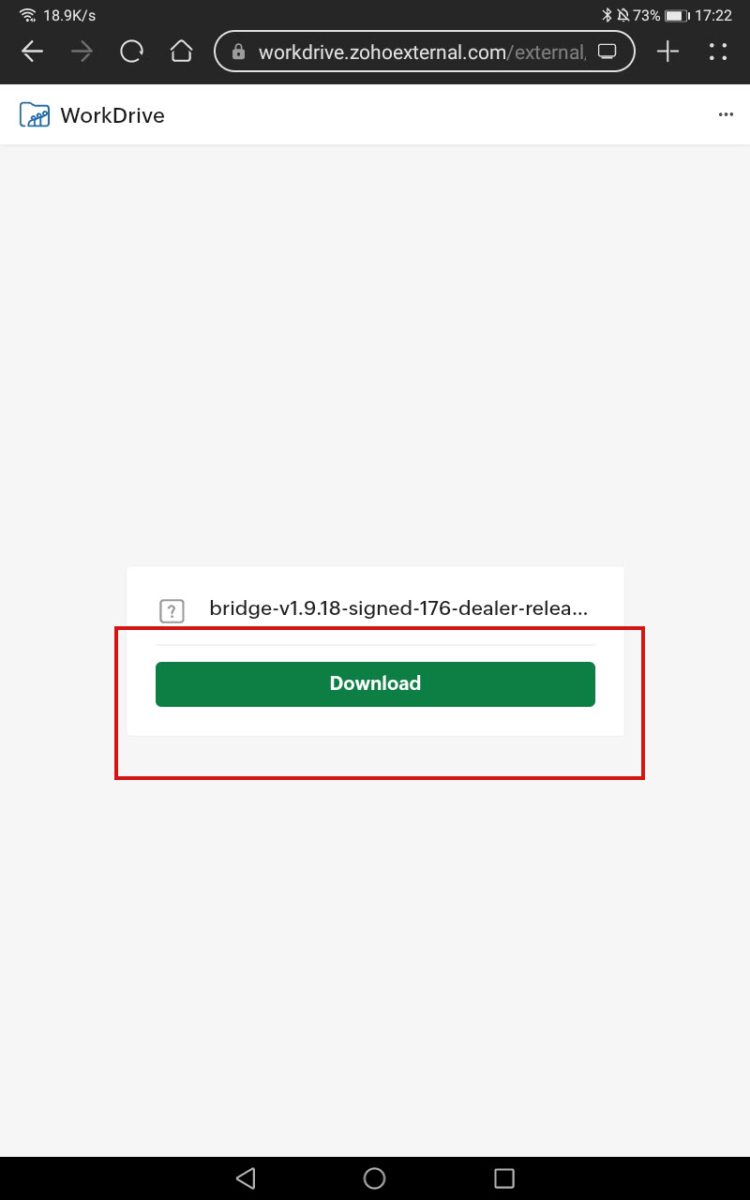
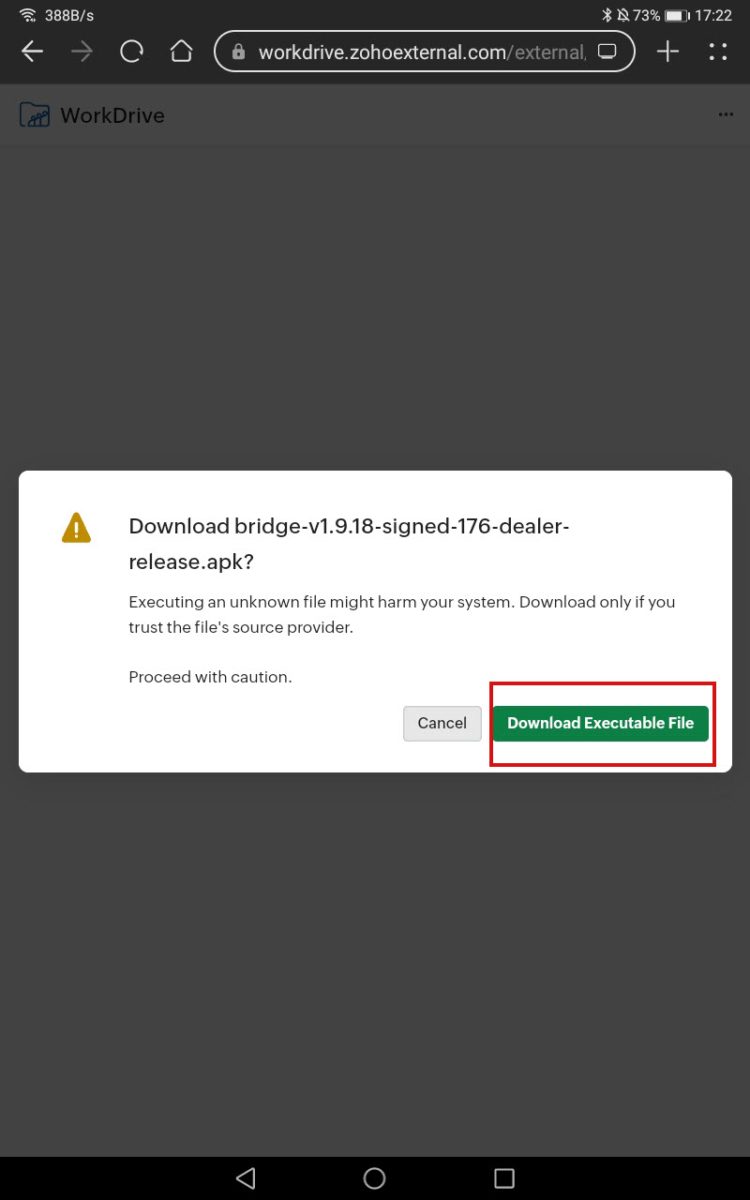
- Select Download.
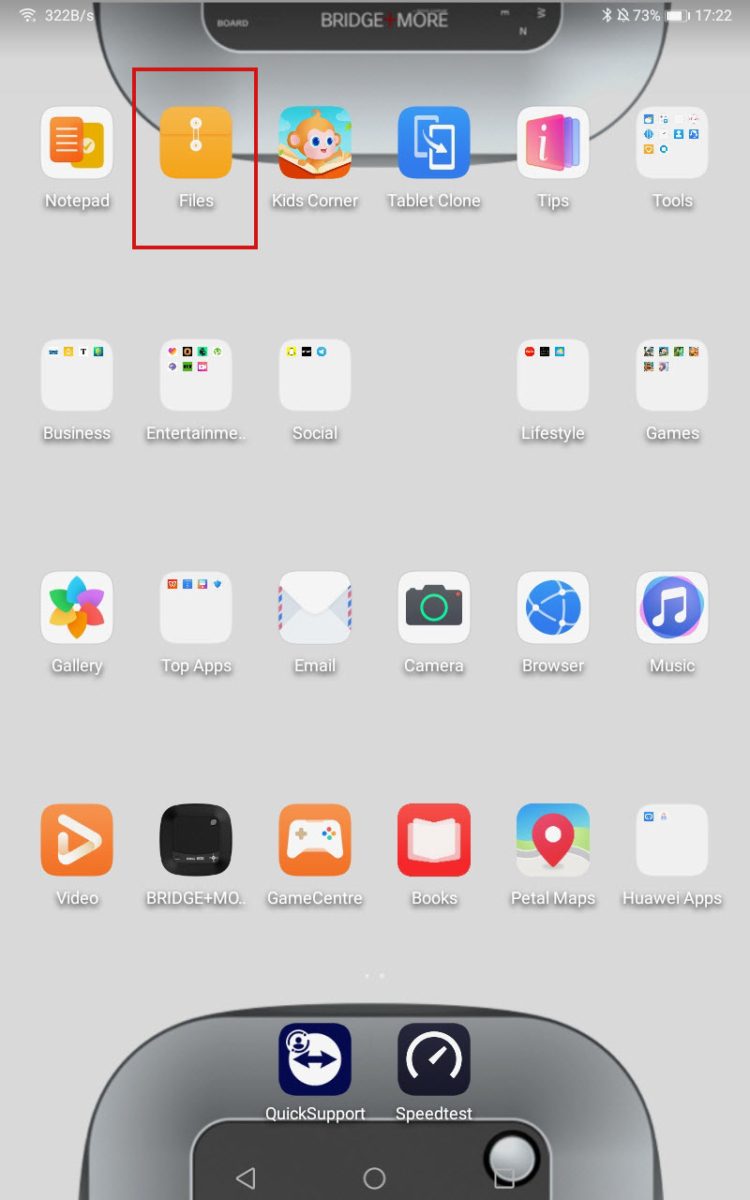
- Then, open the Files app on your tablet, go to Downloads, and locate the new app version.
Download Bridge+More Dealer app – version 1.9.22
We have a app, App 1.9.22.
We invite you to try this new version by following the guide provided below. Your feedback is highly valuable and will help us refine and improve the next versions of our software.
Please follow the installation guide (the version mentioned here is 1.9.18 but the process is the same)
Yoi can also download from Apple App Store, Google Play Store, ApkPure.com
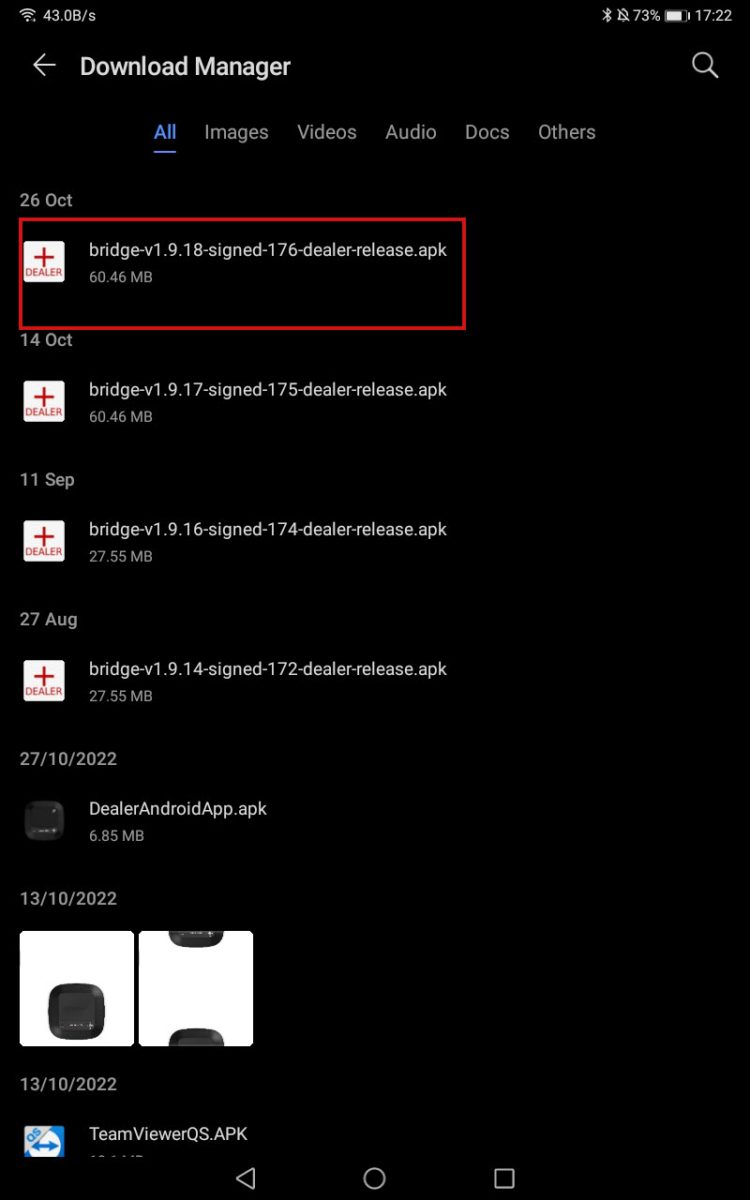
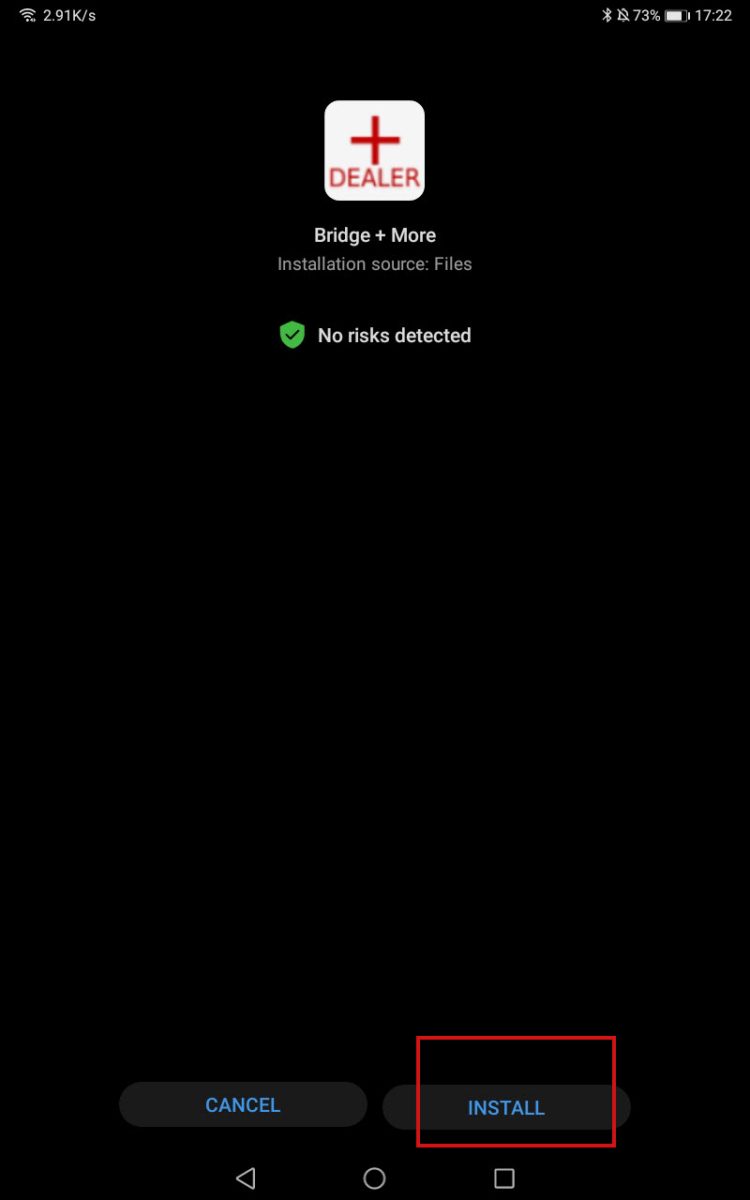
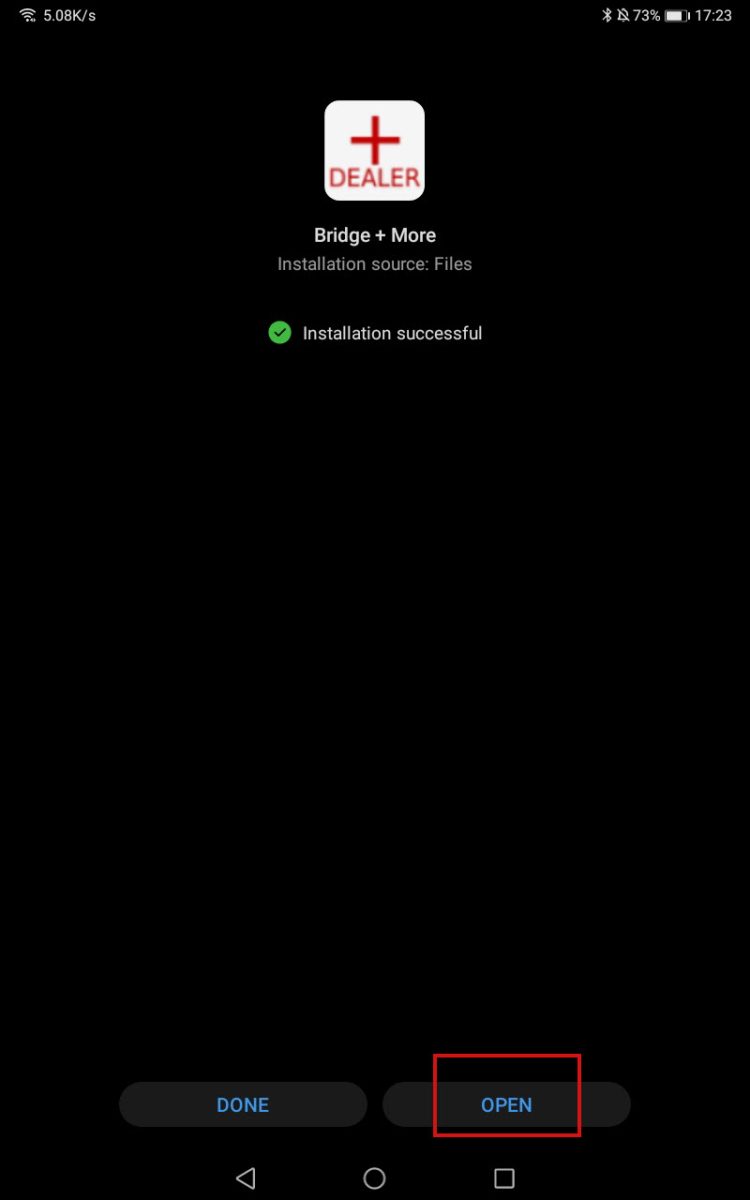
4. Tap the file, then select Install and Open.
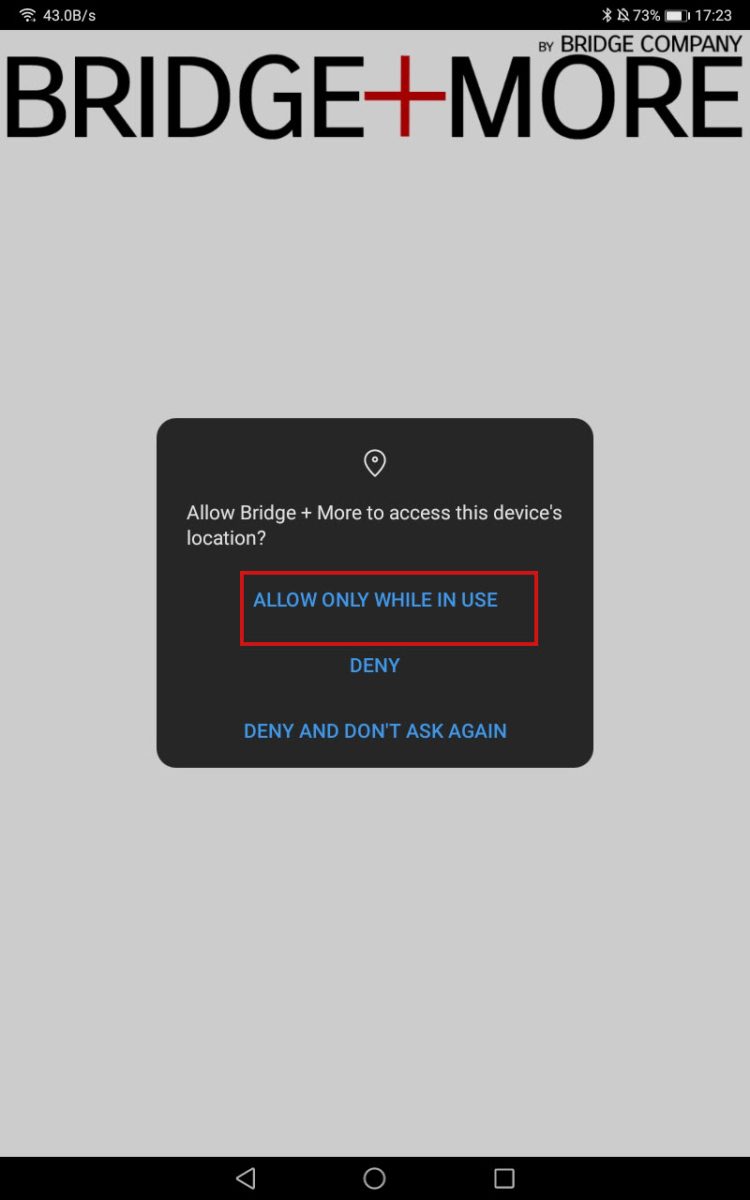
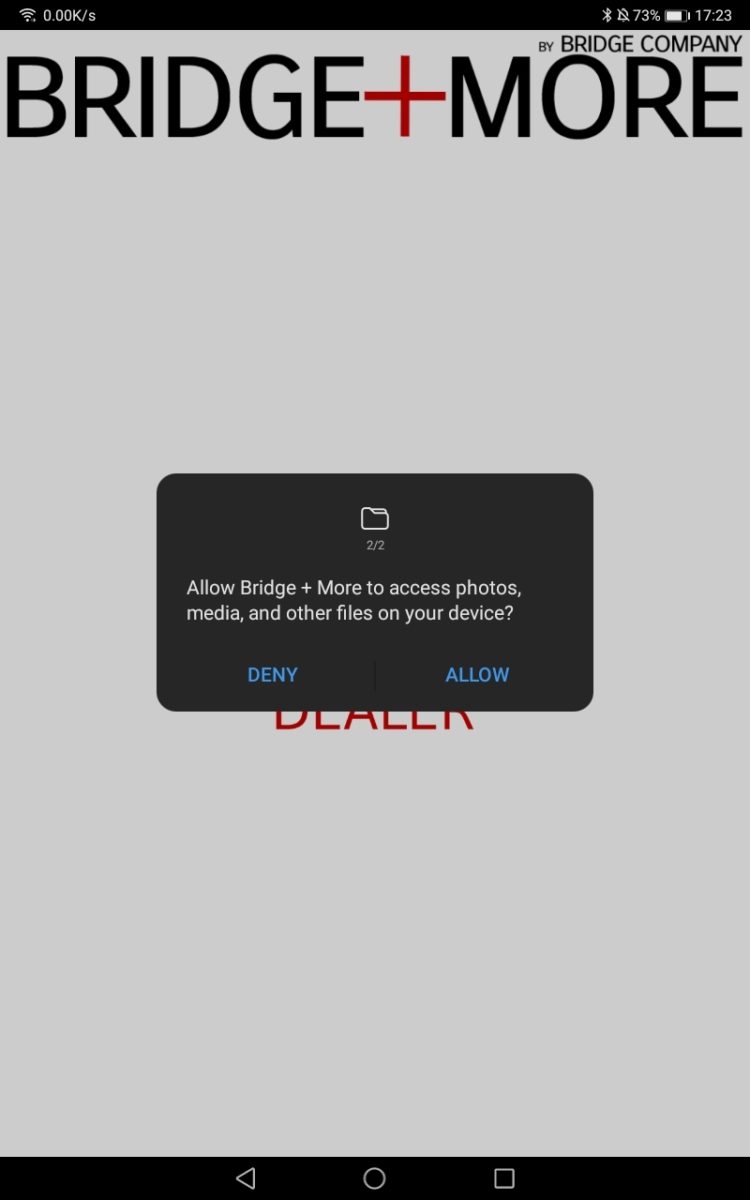
5. Allow your Location and access to the tablet gallery.
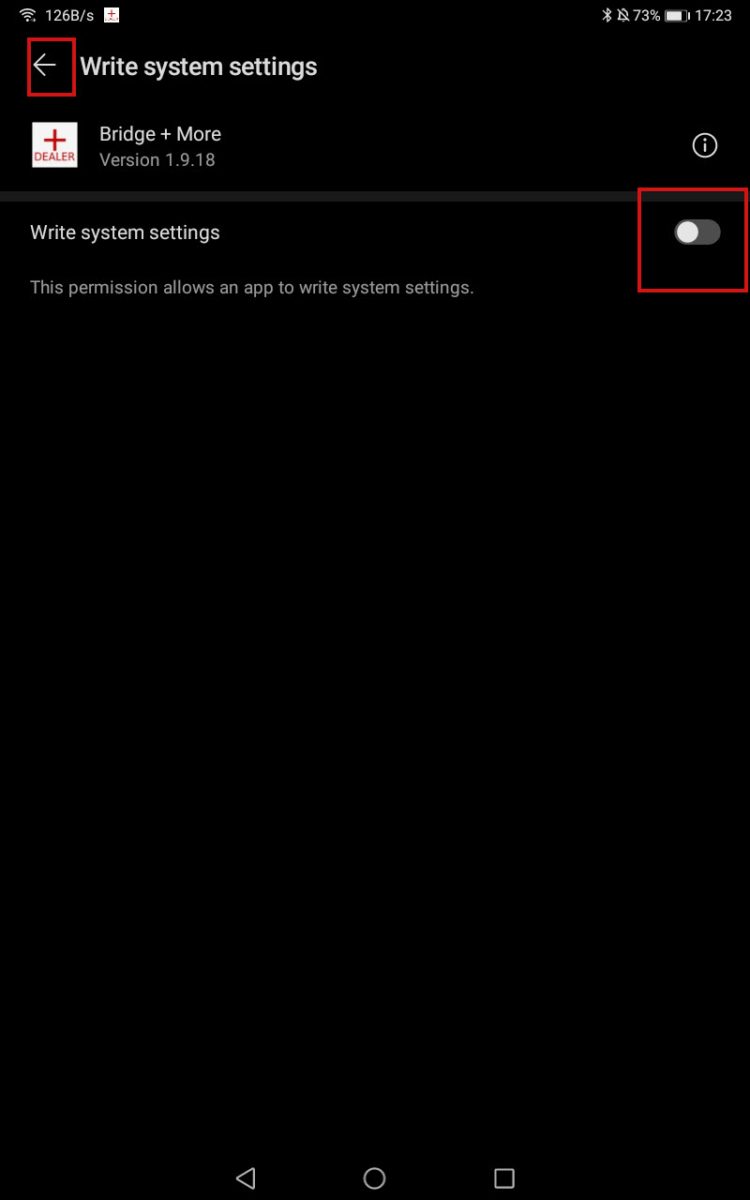
8. In the Write System Settings screen, slide the bar to “Agree,” then click the back arrow in the top-left corner.
9. Go to the main Menu of your tablet and look for the Bridge+More app icon. Once there, please enter your login details and select your server.