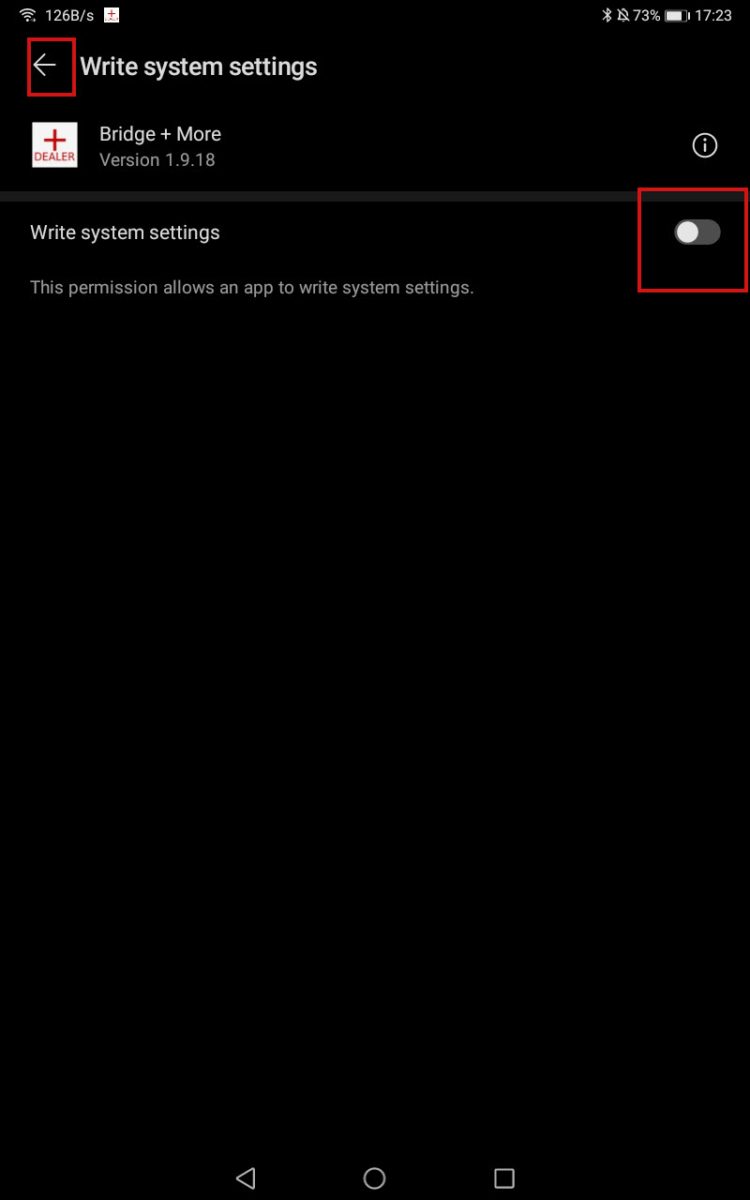

-
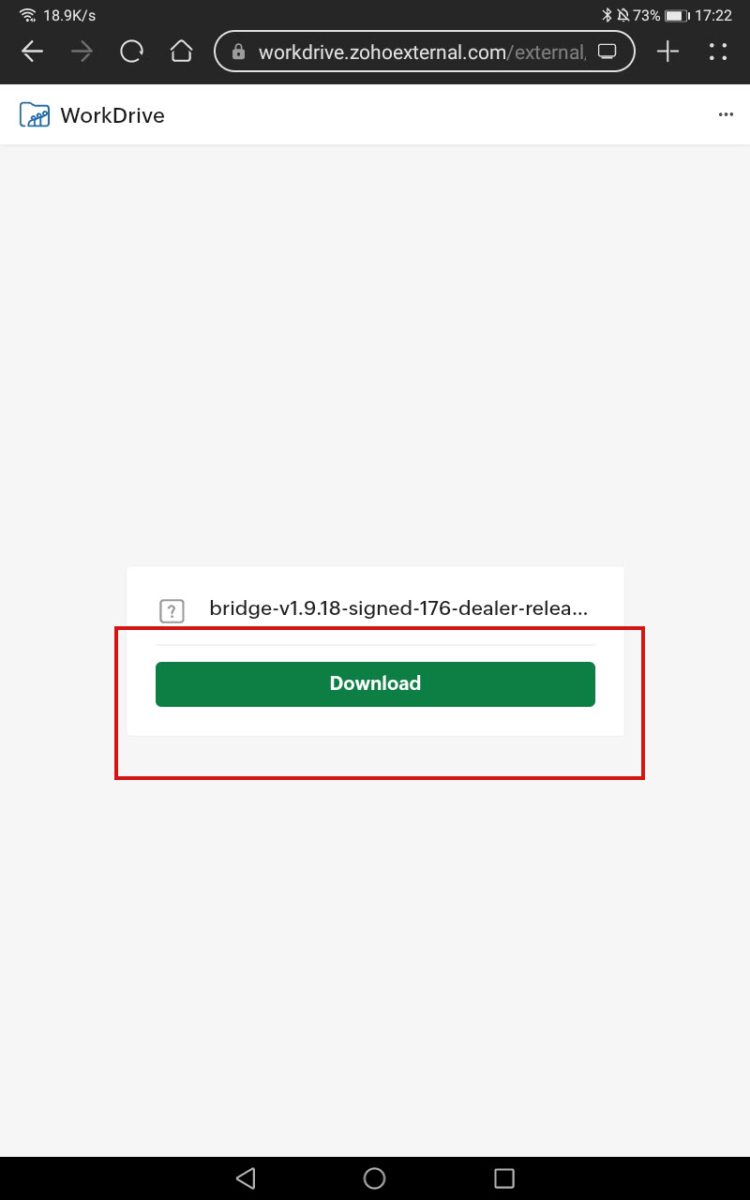
To download the App version 1,919 please click this link bridge-v1-9-20
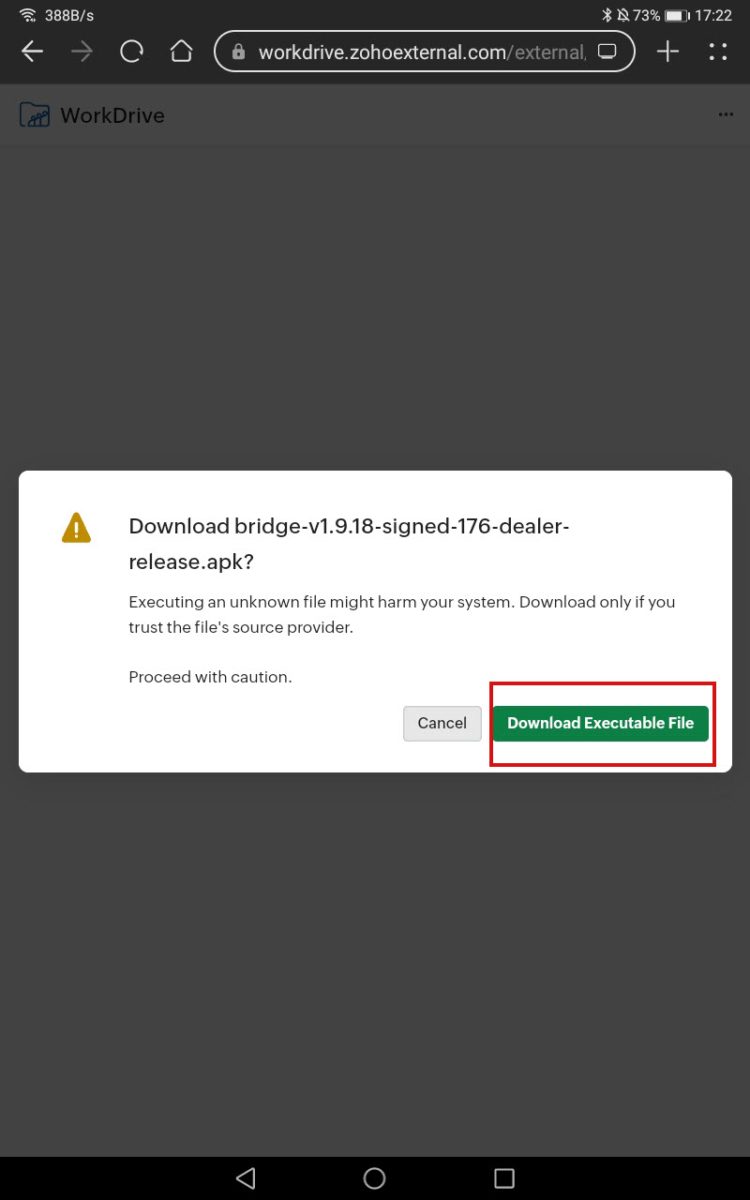
- Select Download.
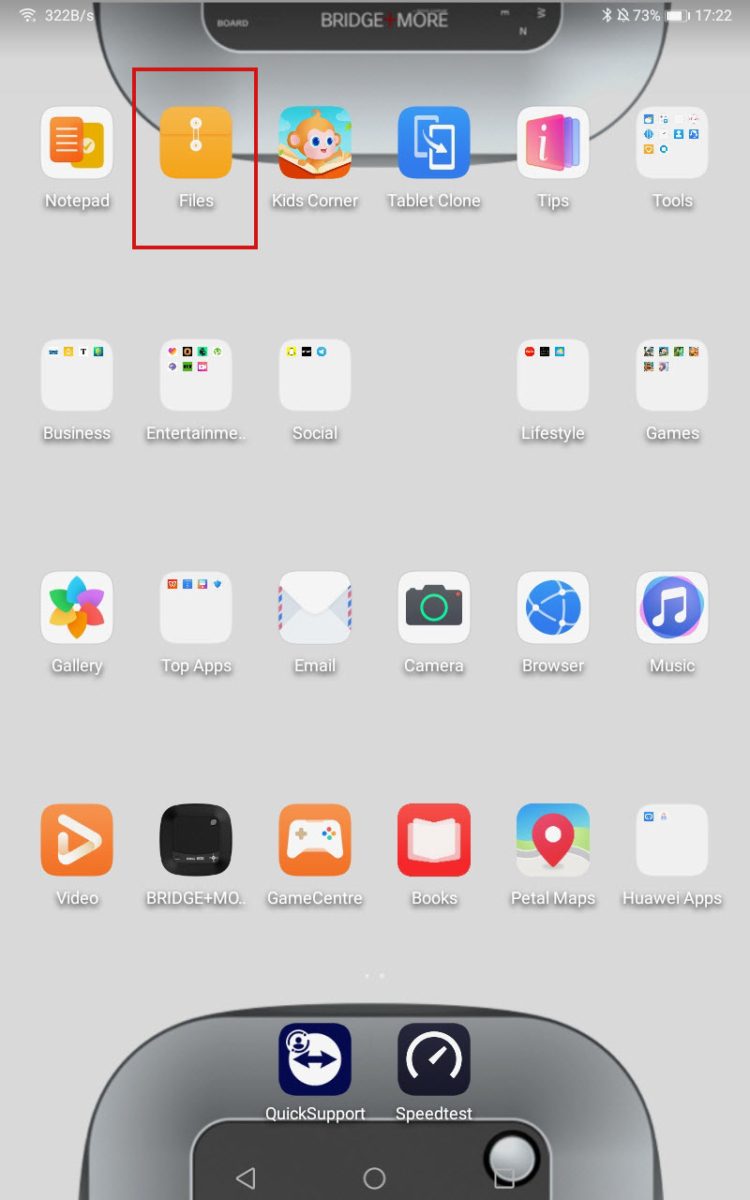
- Then, open the Files app on your tablet, go to Downloads, and locate the new app version.
Download Bridge+More Dealer app – Beta version 1.9.20
We have a beta app, App 1.9.20.
Although App 1.9.20 is still in testing mode, it has already shown positive results in our internal evaluations, and we are excited to share it.
We invite you to try this new version by following the guide provided below. Your feedback is highly valuable and will help us refine and finalize the next generation of our software.
Thank you for being part of our ongoing improvement process.
Please follow the instalition guide (the version mentioned here is 18 but the process is the same)
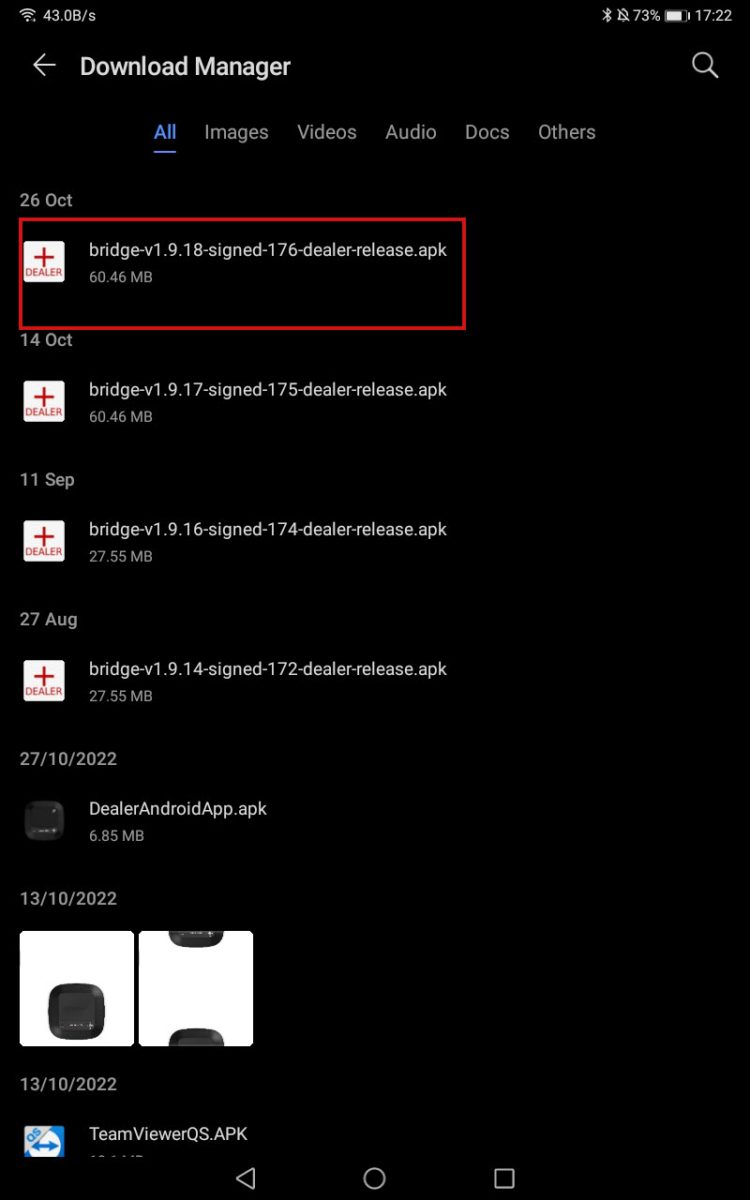
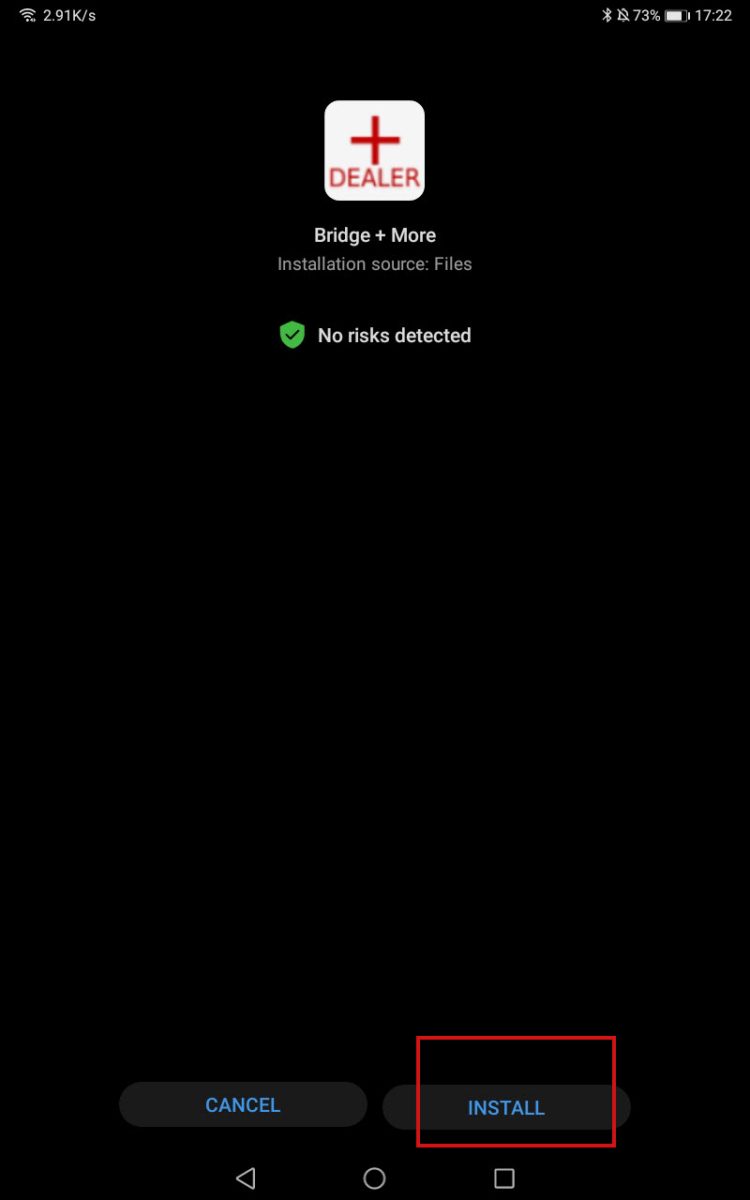
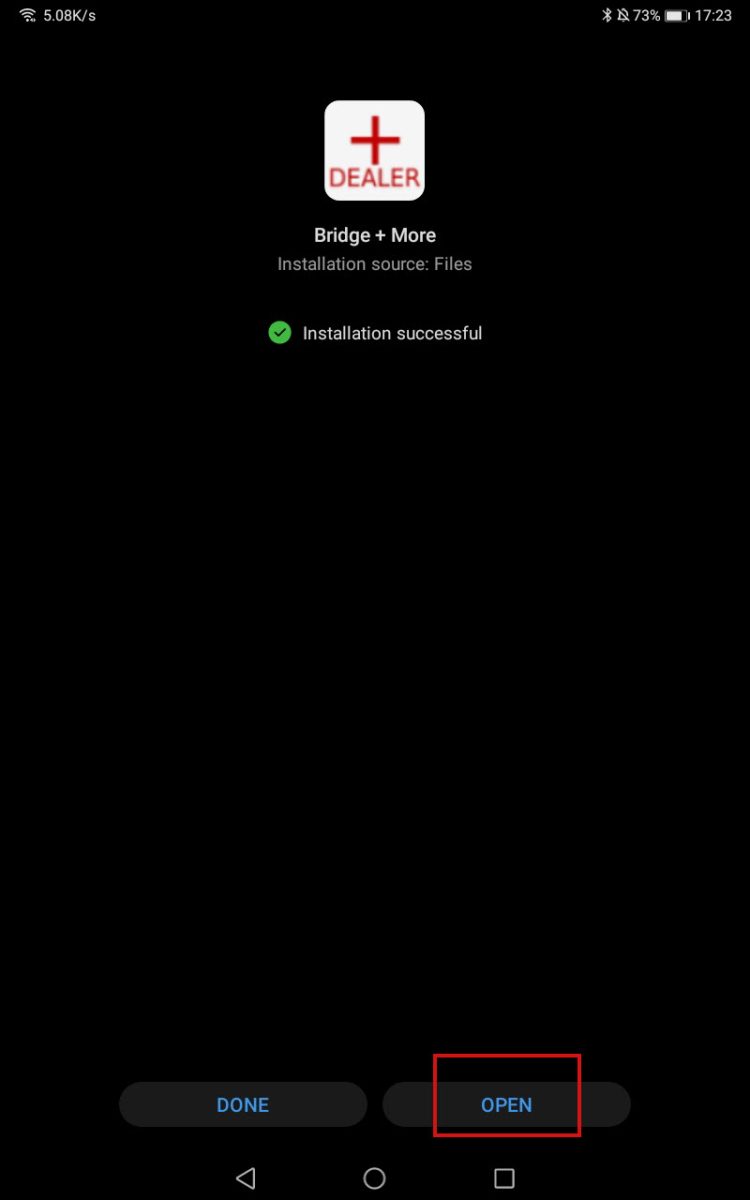
4. Tap the file, then select Install and Open.
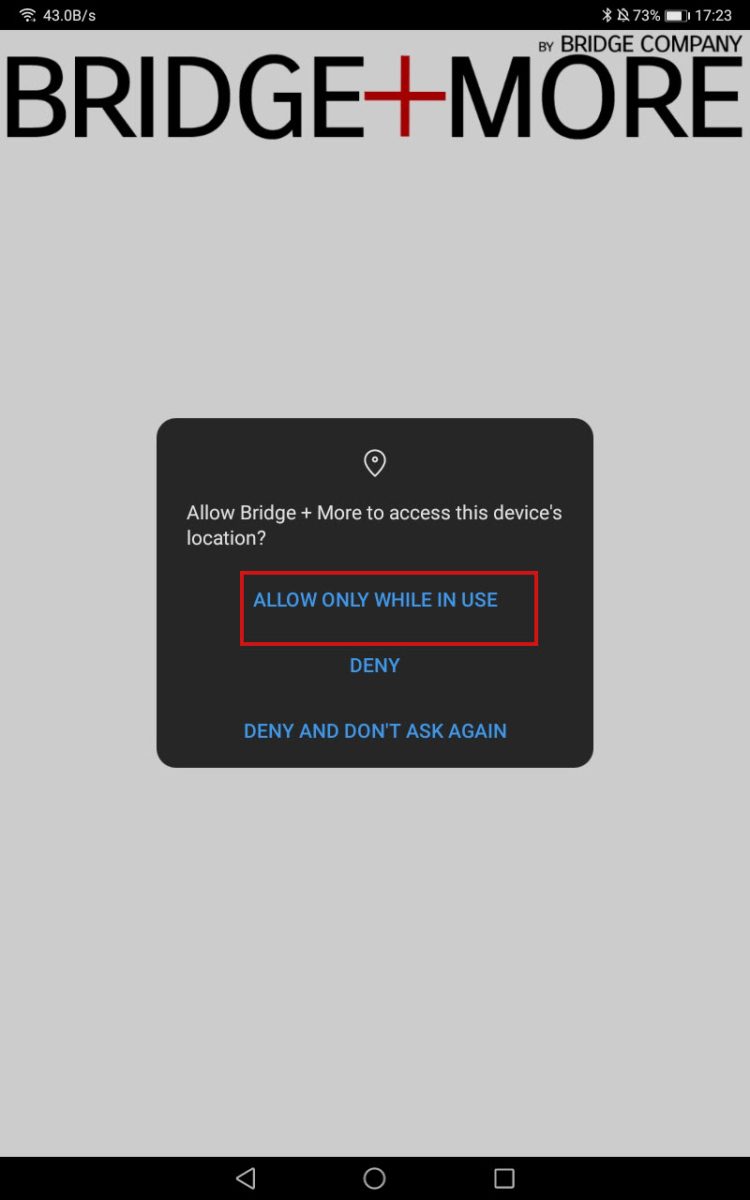
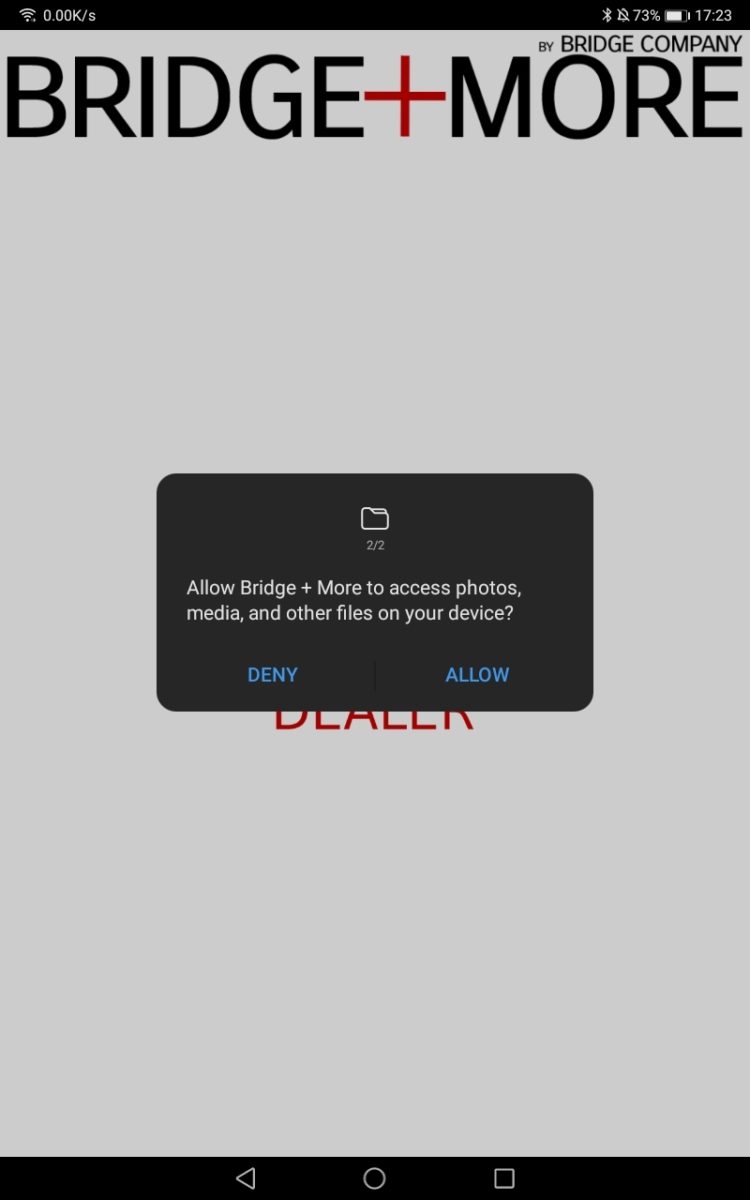
9. Go to the main Menu of your tablet and look for the Bridge+More app icon. Once there, please enter your login details and select your server.