
How to print result details (as PDF)?:
The Bridge+More solution offers several options to create pdf files.
After you have created the pdf files you can download, mail or print the pdf files – the availability and how to use these features depends on your browser and your installed software
To print result details (as PDF)?
Click at the “Pdf” button at the left here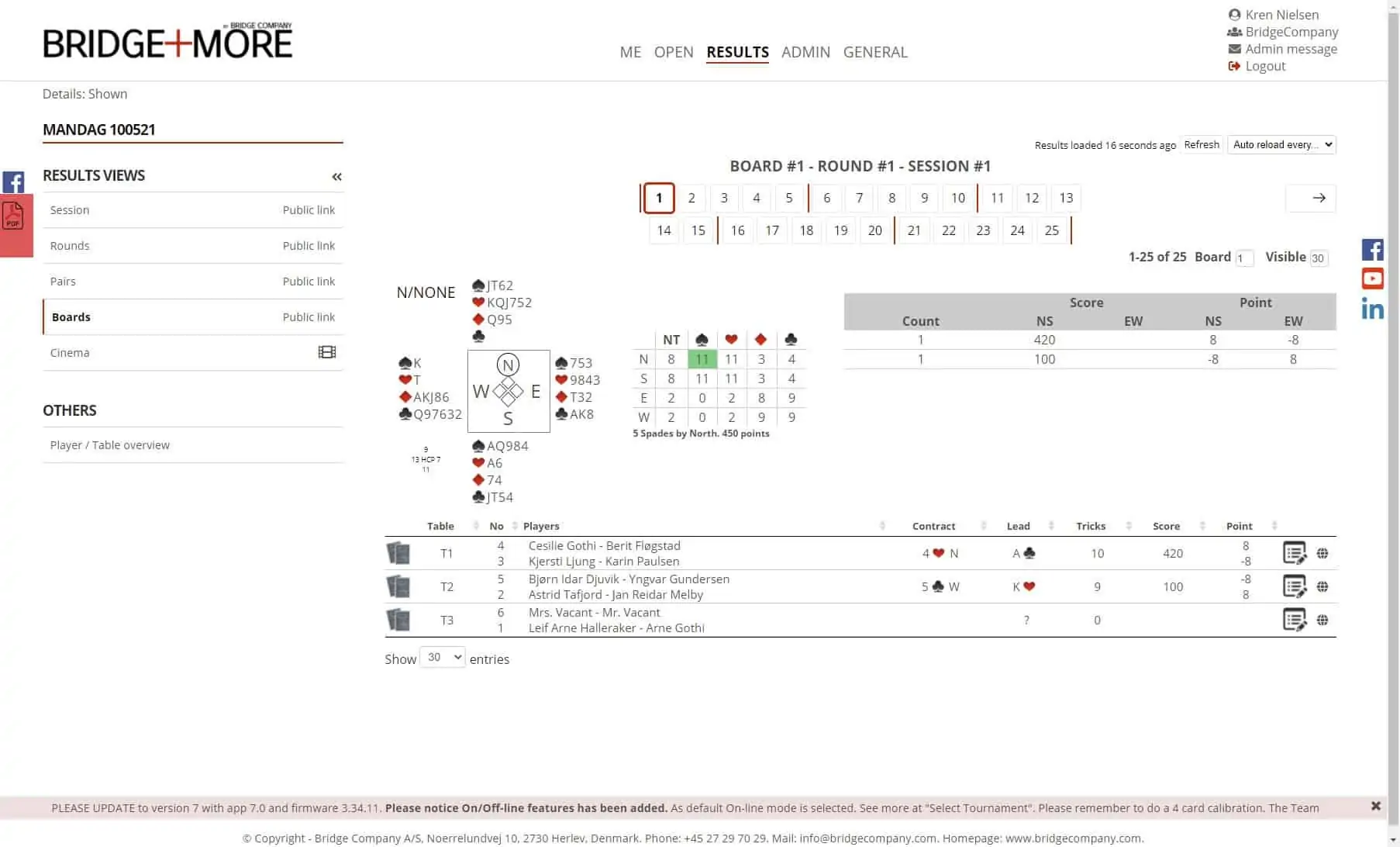
For a team.
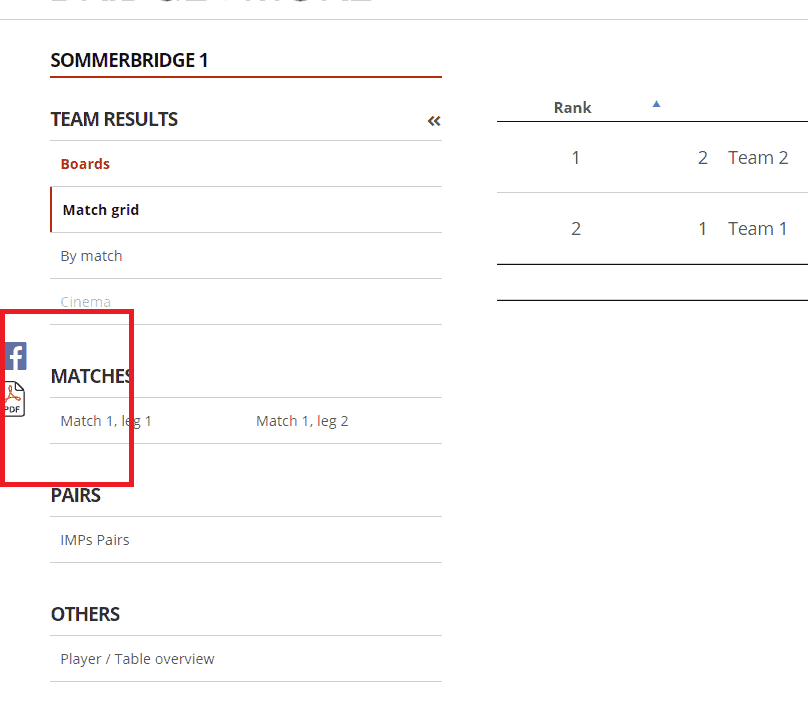
And select the details for the Pdf file as shown below.
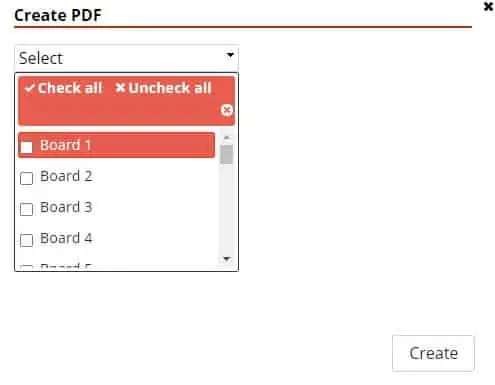
Remember to create the pdf file you need to press the “Finish” button.

