Question:
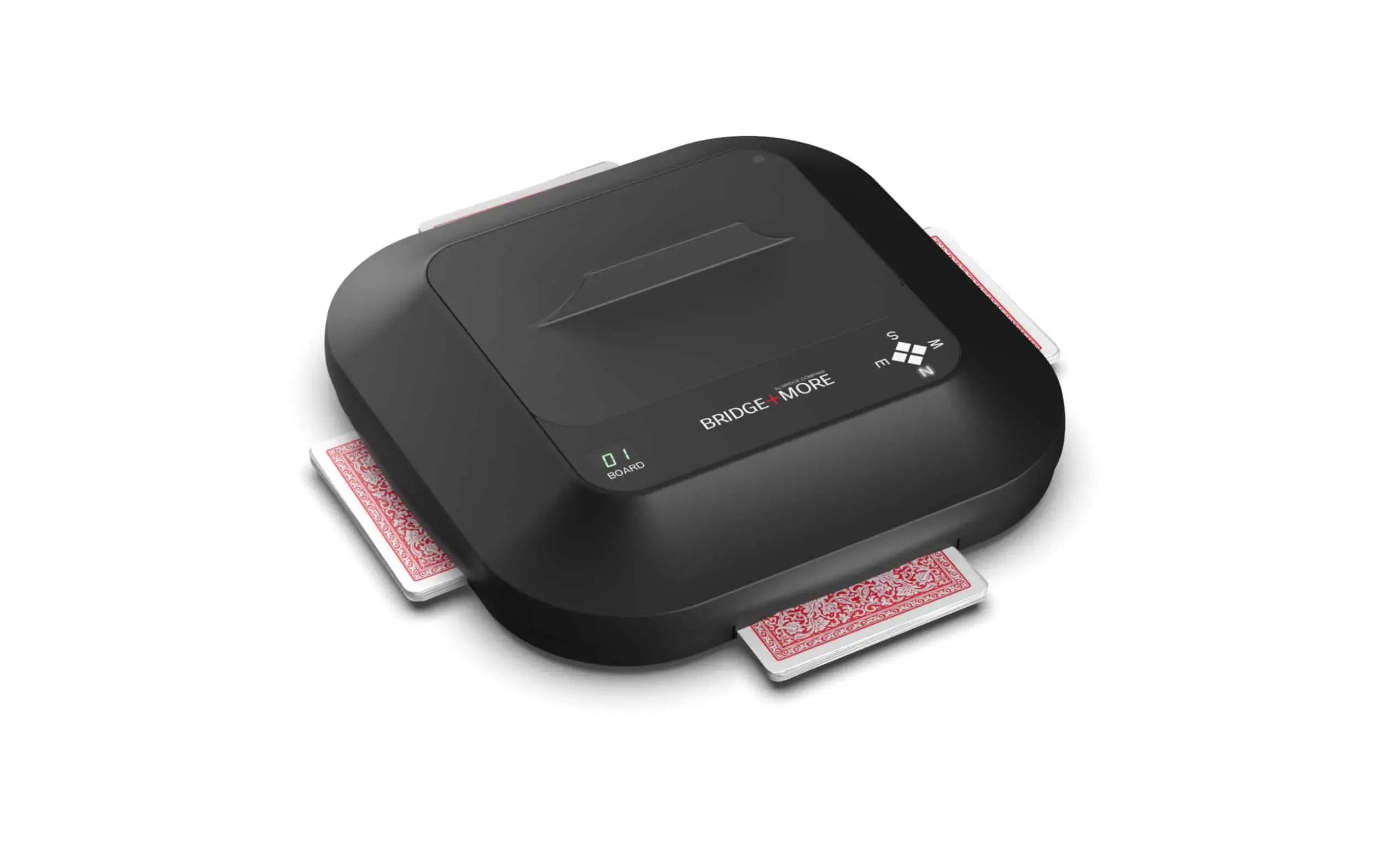
How to set the dealer to deal random cards
Answer:
It is actually easy to do
Start dealing random cards:
- Press the green power button for more than 5 seconds (while the dealer is on). When the display shows “00” and the vulnerability zones blink, you have entered the “Dealer power button menu”. With each click (circle), select the next item from the following menu options:

- Select number 6 – equal to 6 presses on the power button
To stop random dealing:
Simply turn the dealer off.