Bridge Federation’s systems and Tournament handling
This guide shows you how and where to submit, export or report the tournament details – during the game or after you have played.
We have a number of guides for the specific options – see more here
Tournament handling
The first step is to go to “Tournament Details” or “Games Details” – do as described below
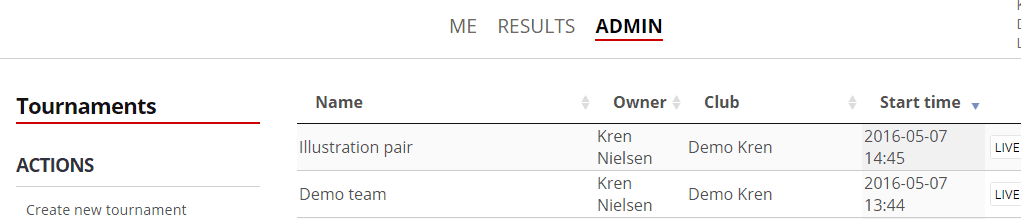
Click on a tournament or game in the tournament list or game list then we shown as illustrated below.

Below the top menu bar, you will see a number of (at least one) Sessions. The session overview also shows the number of Sections in the session.
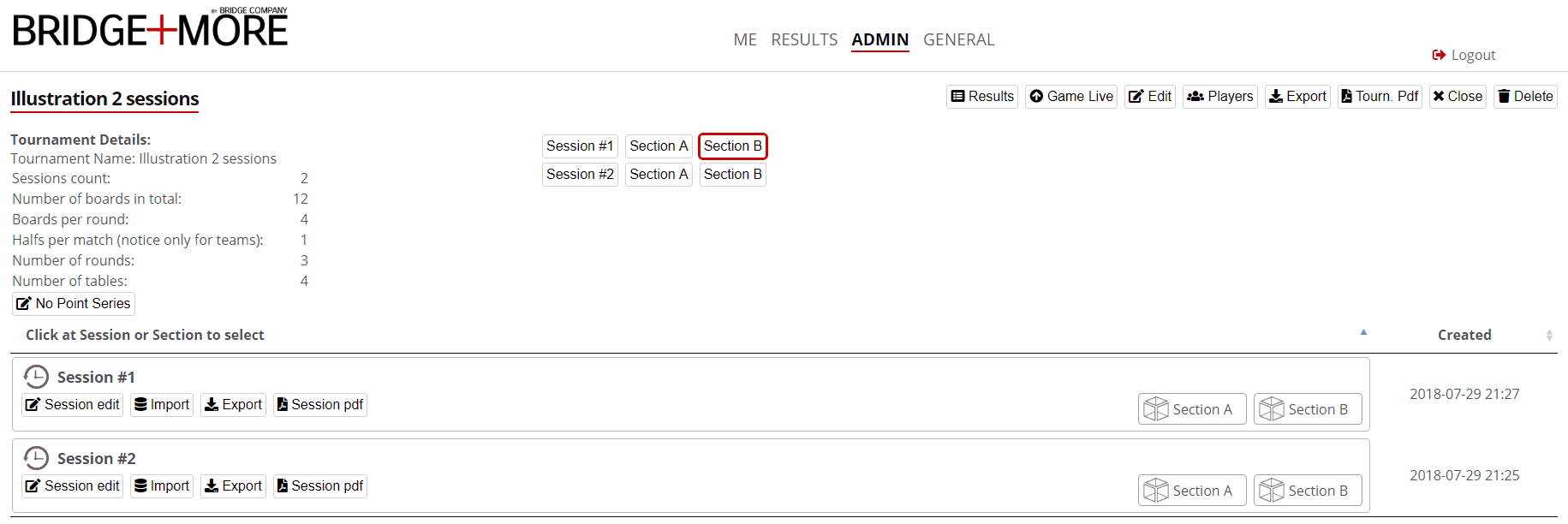
If you click the Session area you will …
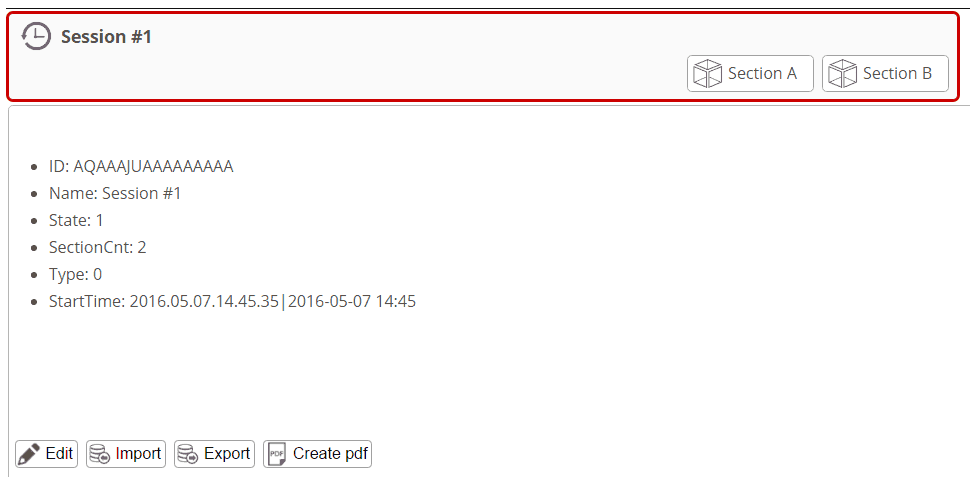
… see the Session options
- “Edit” gives you access to give the Session a proper name and select a date (data to be used when having multiple sessions)
- “Import” gives you an option to import card distributions – see more here MISSING
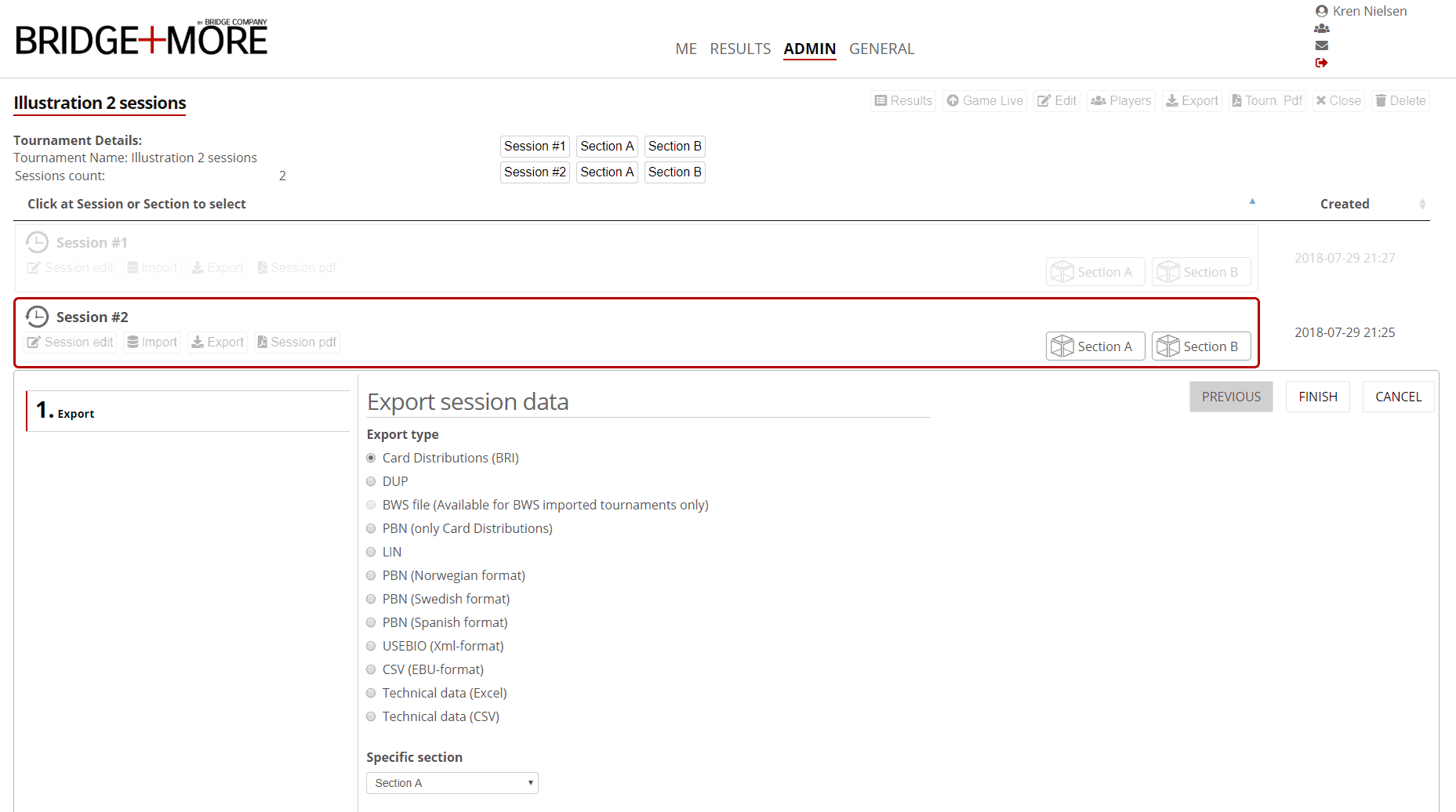
- “Export” gives you an option to select among export options
- “Create Pdf” gives you options to create and download tournament data
For example the Export data option