
To download version 1.7.0 of the app, we kindly ask you to follow the steps below.
Open a browser on your tablet
To download the App version 1.7.0 please click this link Bridge+More 1.7.0
Select Download.
The click here

Save the file
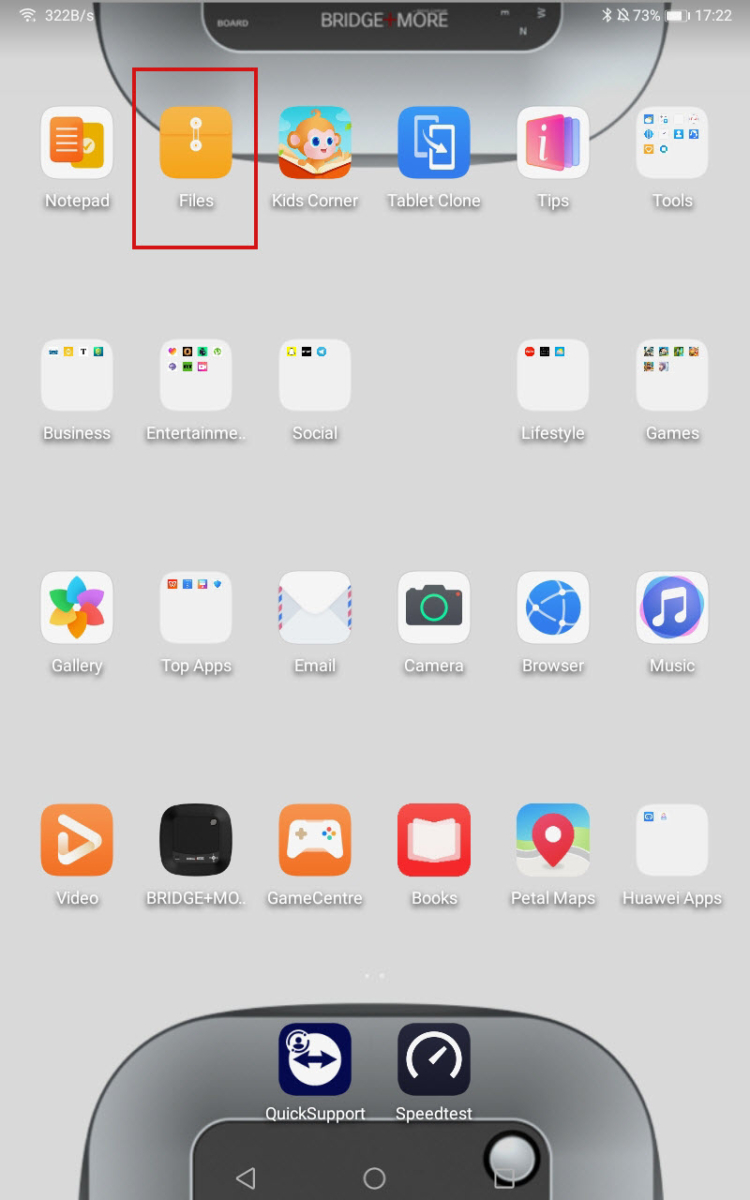
Then, open the Files app on your tablet, go to Downloads, and locate the new app version.
Download Bridge+More Dealer app – Earlier version 1.7.0
We have an earlier app, App 1.7.0.
Pictures are illustrative – numbers, links, etc. can be different for you. You are not using Zohodrive as shown

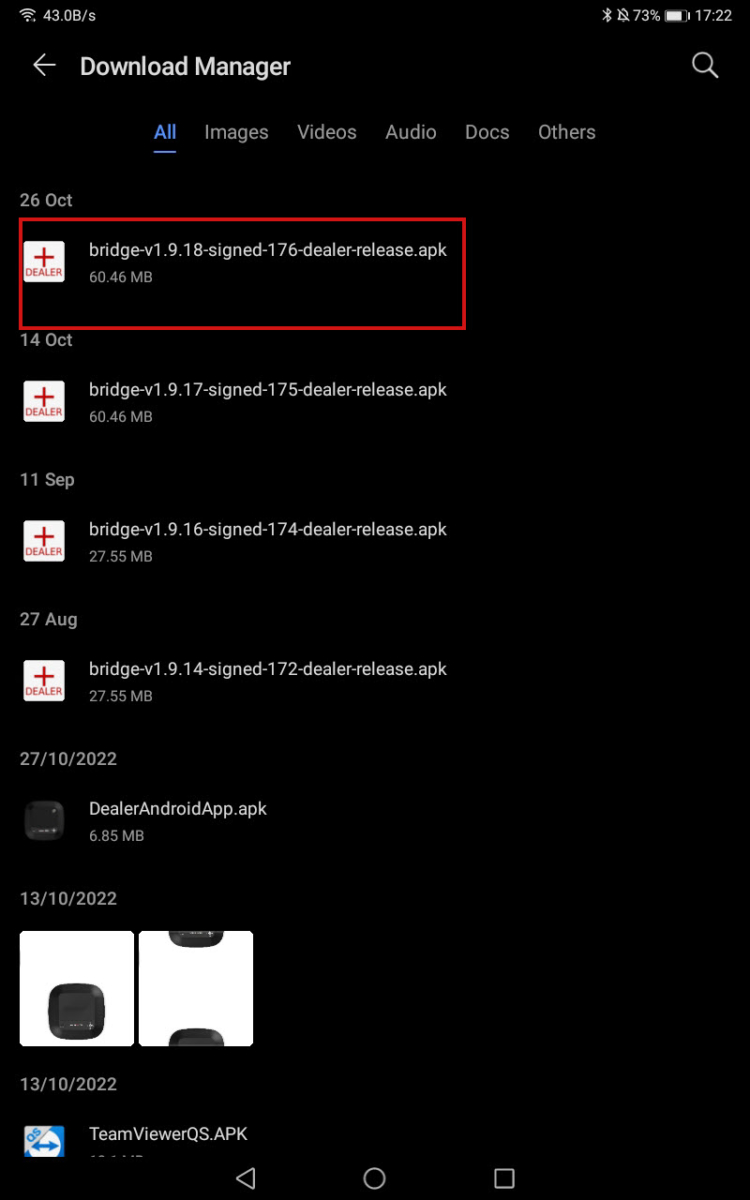
4. Tap the file, then select Install and Open.
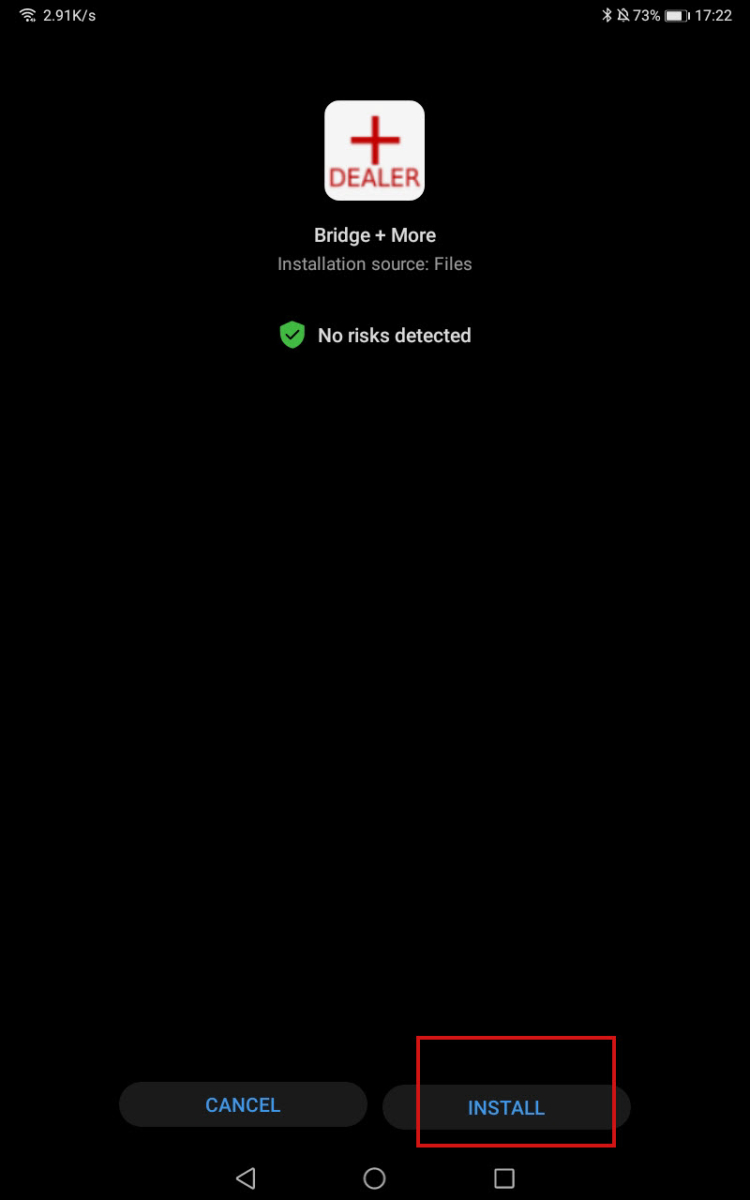

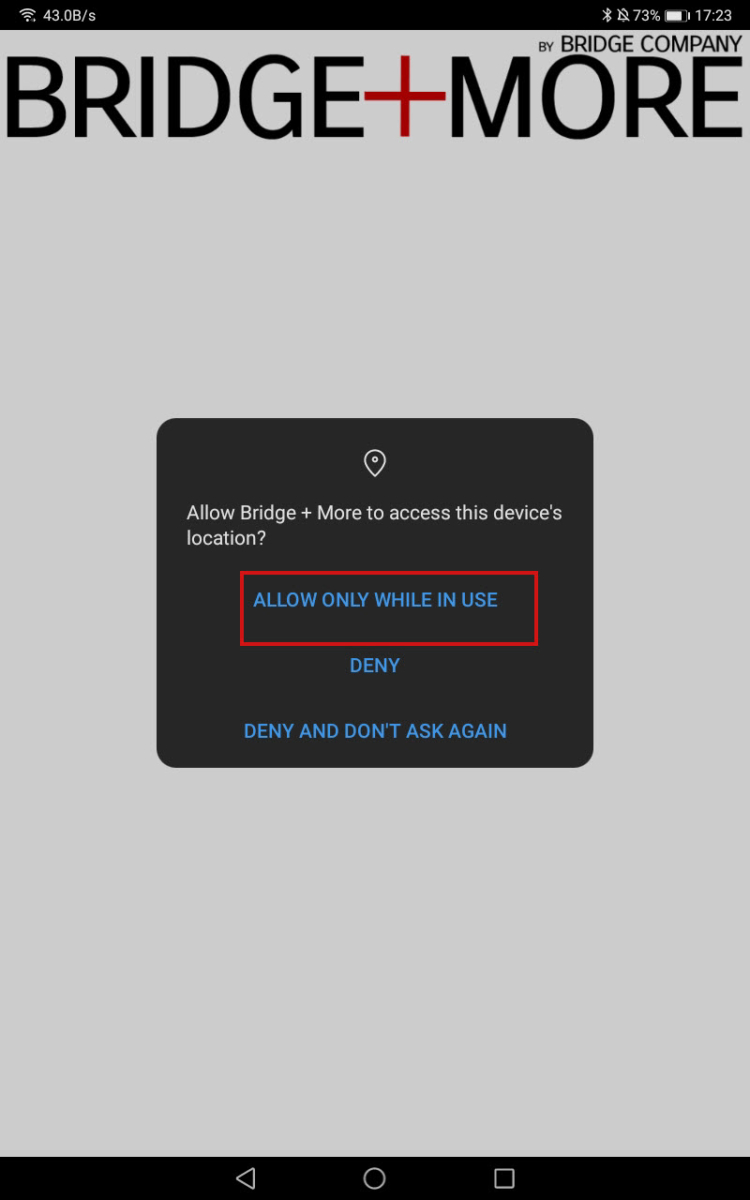
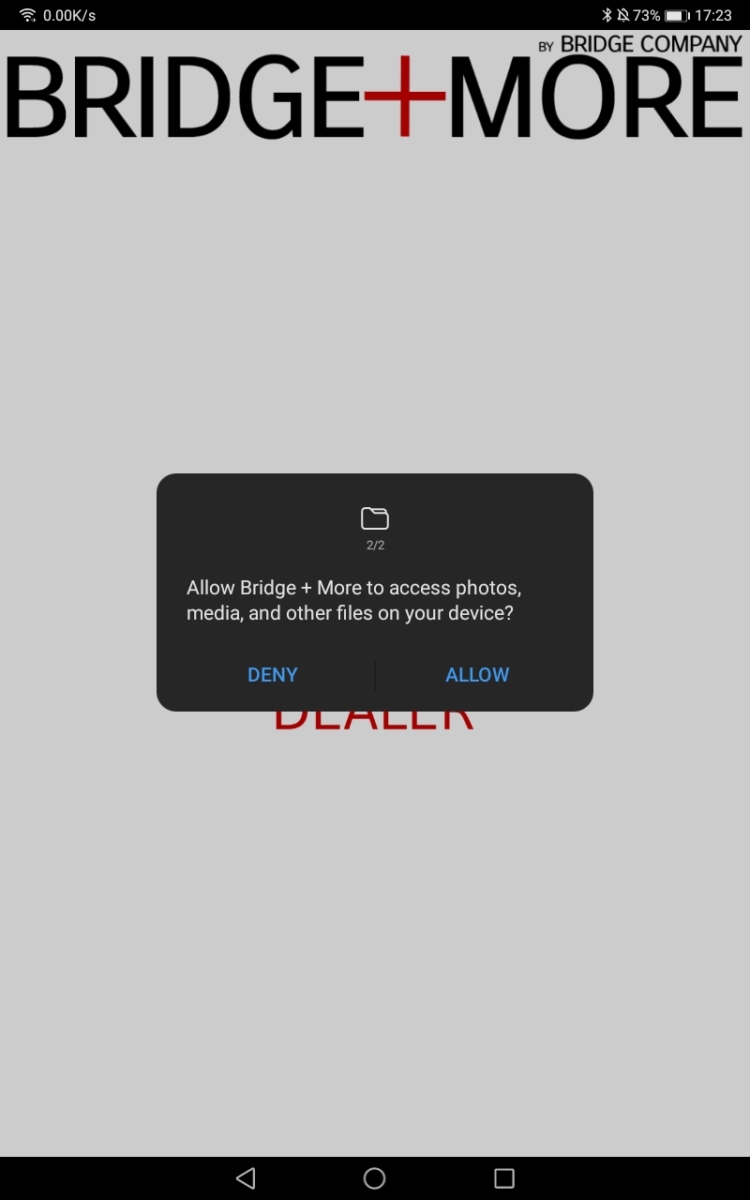
5. Allow your Location and access to the tablet gallery.
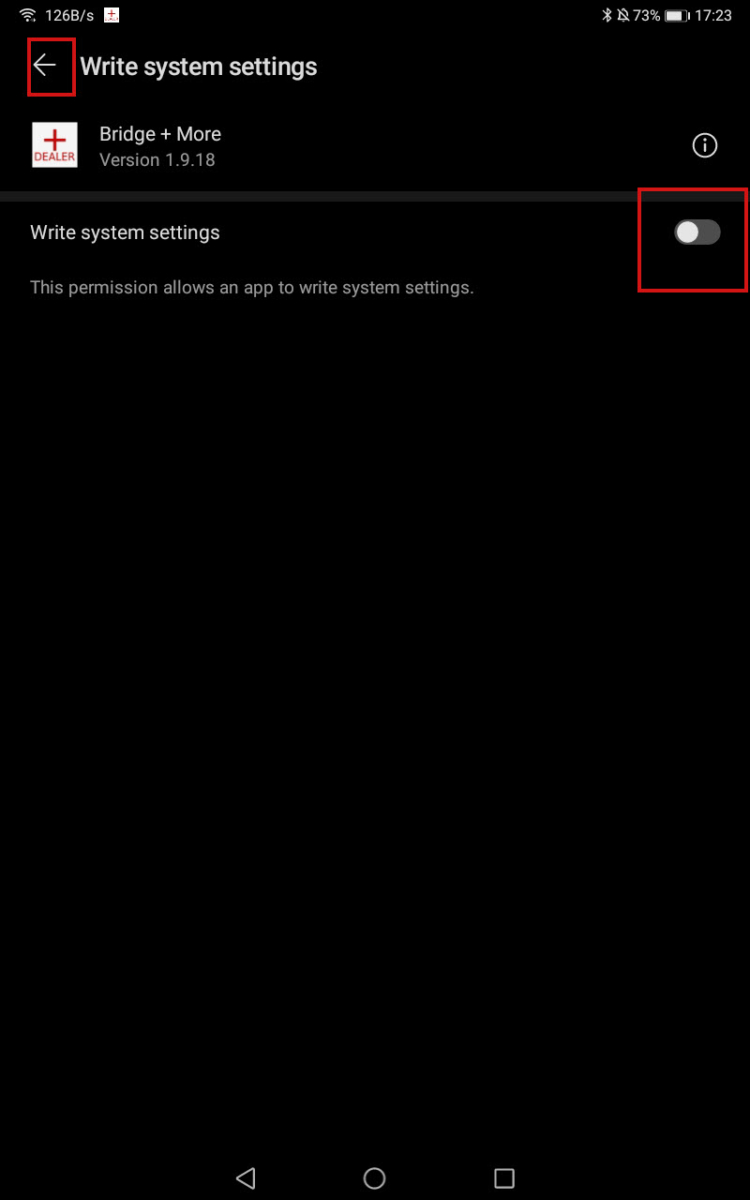
8. In the Write System Settings screen, slide the bar to “Agree,” then click the back arrow in the top-left corner.
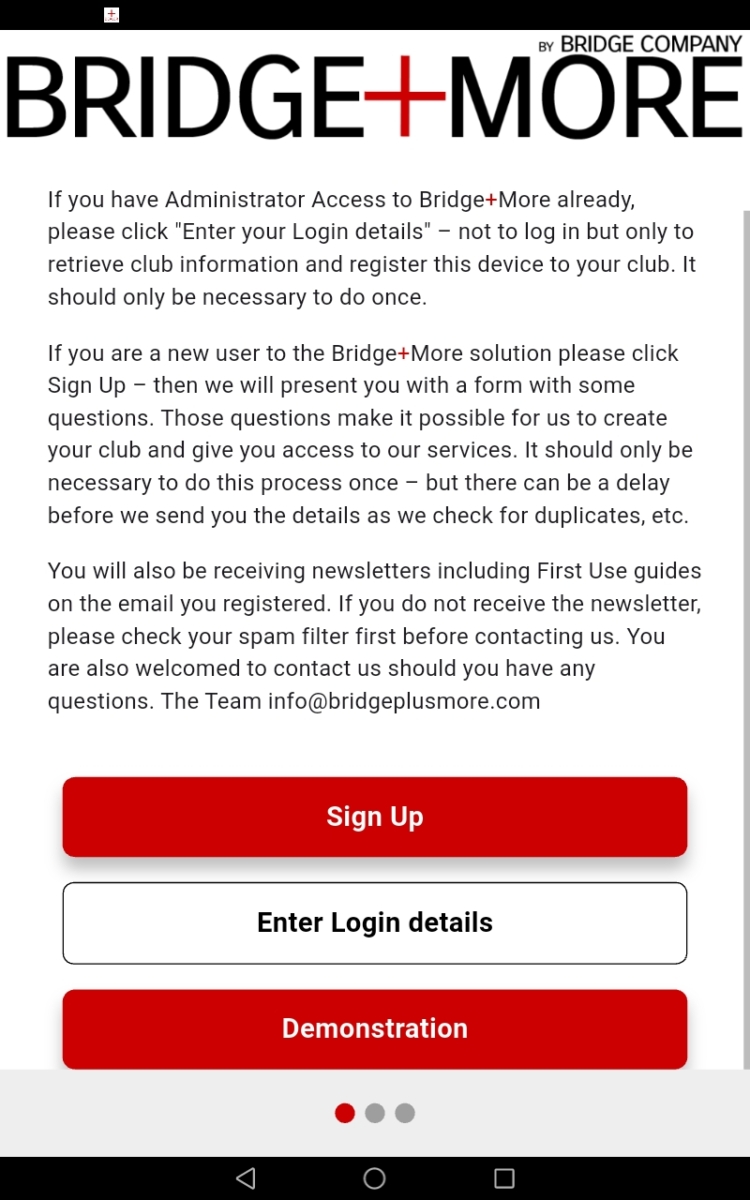
9. Go to the main Menu of your tablet and look for the Bridge+More app icon. Once there, please enter your login details and select your server.