How to Uninstall an App
For Android Devices
- From the Home Screen:
- Long-press the app icon you want to uninstall.
- Select Uninstall from the options that appear.
- Confirm the action by tapping OK or Uninstall in the pop-up.
- From Settings:
- Go to Settings > Apps or Applications.
- Find and tap the app you want to remove.
- Select Uninstall, then confirm.
For iOS Devices (iPhone/iPad)
- From the Home Screen:
- Long-press the app icon until it starts to wiggle (or a menu appears).
- Tap the (-) or Remove App option.
- Confirm by selecting Delete App.
- From Settings:
- Go to Settings > General > iPhone Storage.
- Scroll to find the app you want to remove and tap it.
- Select Delete App and confirm.
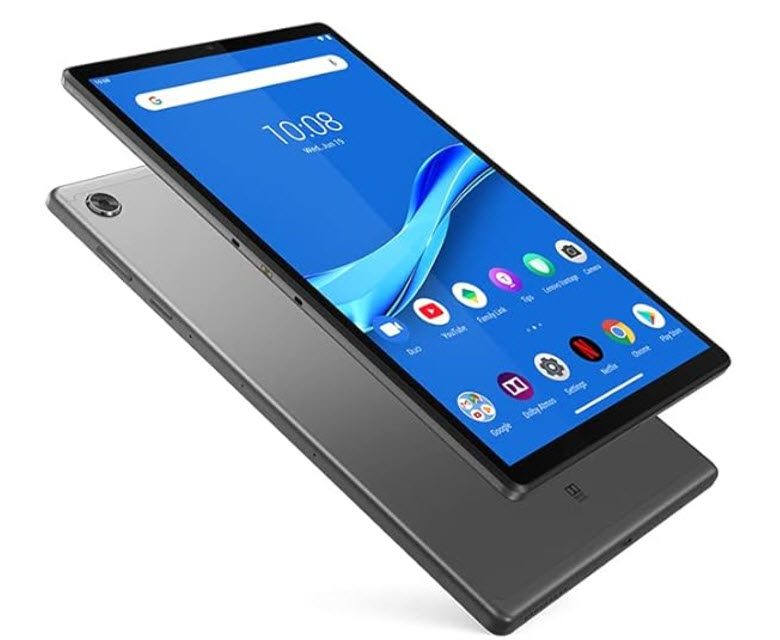
For Tablets or Other Devices
The steps are similar to those above, depending on your operating system. Refer to your device’s manual for specific instructions.