

FIRST GAME TABLET GUIDE
PLEASE SEE THE FIRST TABLET GUIDE VIDEO
FAST & EASY GUIDE
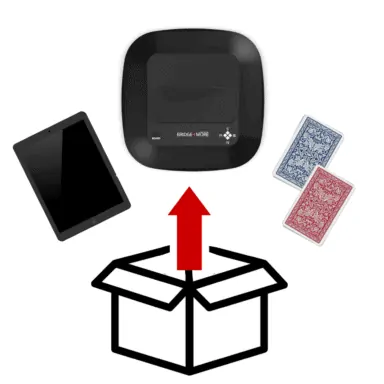
PREPARE TABLET
- Place your Tablet on a table
- Turn on your fully charged Tablet (Click here)
- Connect your tablet to Wifi (Click here for Huawei and here for Samsung) and Bluetooth under ‘Settings’ (Click here)
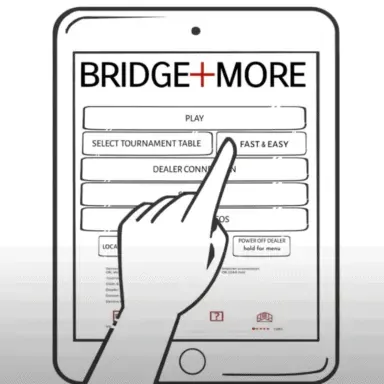
- Open the Bridge+More App and press ‘Dealer Connection‘, then ‘Search‘ and choose your Dealer on the list presented (Click here)
PREPARE TOURNAMENT
- Press ‘Select Tournament‘ in the main menu
- Choose the welcome tournament from the list ‘Step 1. Select Tournament’ and the desired table from ‘Step 2. Select Table
- Press ‘Click’ to return to the main menu
- Make sure that none of the status text below is in red to continue
START TOURNAMENT
- Press ‘Play’ and open the lid on the Dealer (Select Dealer: Click here. Premium Dealer: Click here)
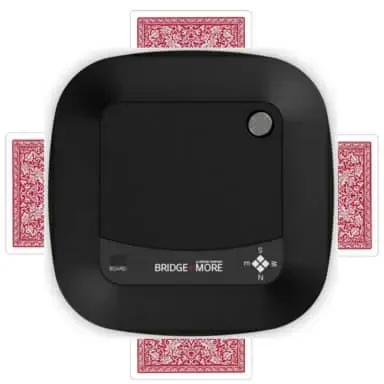
- Place the first deck of cards into the Dealer face down, close the lid and wait for the Dealer to sort the first deck of cards (Click here)
- When ‘Please insert cards’ is shown on the tablet, please place the other deck of cards in the Dealer
- Close the lid, take 13 cards for each player when ejected by the Dealer and start playing bridge
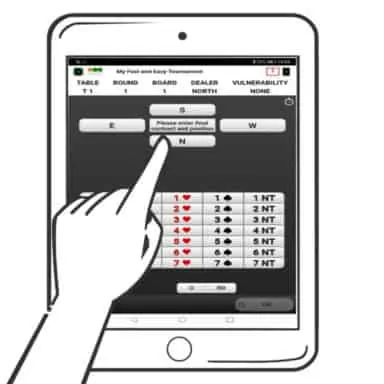
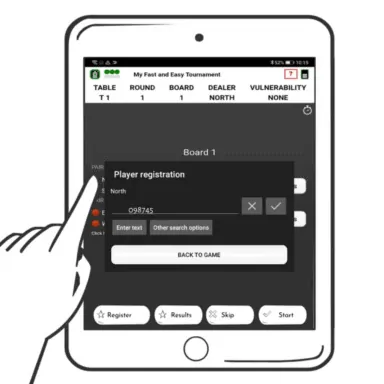
- Now please register your results during the game by following the instructions on the tablet
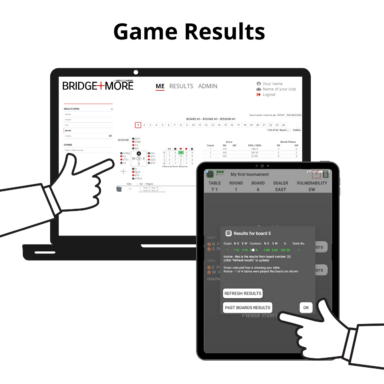
- Game Results will appear on the tablet screen (Click here)
CLICK TO SEE ‘FIRST GAME TABLET GUIDE’ VIDEO BELOW


Loading...

