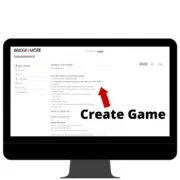
3.3 Create a bridge tournament or game on the server
Click here to learn how to create your own personalized tournament for your friends, club, or bridge students

Click here to learn how to create your own personalized tournament for your friends, club, or bridge students
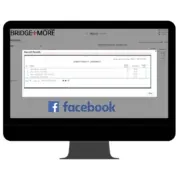
Click here to learn how to share your game results with friends, family or dedicated bridge players
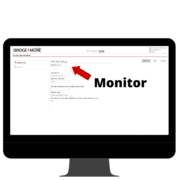
Click here to learn how to create and open a monitor which allows you to see real-time results during a club tournament, while teaching or among friends in a social game
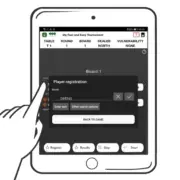
Click here to learn how easy and simple it is to register the players of your game in just a few clicks on the tablet before starting the game
Click on the box to learn how to read and manage your results on the tablet during and after playing Bridge+More game
Click here to learn how to enter the game details on the tablet before, during, and after playing a Bridge+More Solution game
How to correct results after a game — on your Bridge+More account on bridgeplusserver.com

Before you get started, please click here to read our important guidelines regarding your first use of the Bridge+More Solution
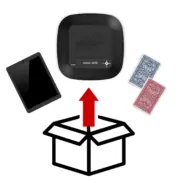
Click here to see how the Bridge+More Solution is unboxed, how the devices are charged, and how to prepare the playing cards
See the latest from the Bridge+More Teaching Group