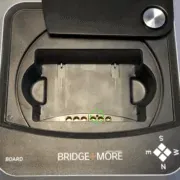
4.11 How to check the Bridge+More dealer charger?
If you need to reset the Bridge+More dealer it is easy as you have several options:

If you need to reset the Bridge+More dealer it is easy as you have several options:
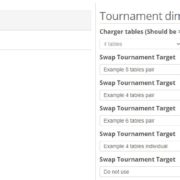
We have made it possible to create the tournament in Bridge+More and the add the BWS file afterwards when you are sure you know the exact details of the tournament – for example, after having used the high degree of flexibility in the Bridge+More solution
Click here at watch a video guide of how to charge the Bridge+More Devices
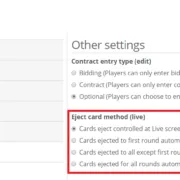
Why does the tournament not start – I can’t get the cards out to start the first board? It’s easy – you have selected manual eject and just need to start the card eject manually with a click.
Click the link above to download and install the Bridge+More app version 7
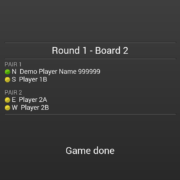
When you are ready click “Play” in the main menu of the Bridge+More application
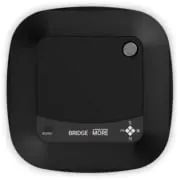
It easy to open and close the lid on a Bridge+More Premium or Classic dealer – two simple rules. Listen to the click when you open and then remove your finger. Move the lid to “far” and listen to the click and remove your fingers. The lid will pop into its place.
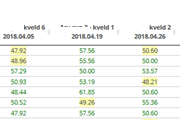
Point Series is a bridge games concept where players are measured across several tournaments. See more here …..
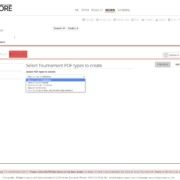
The Bridge+More solution offers several options to create pdf files – including card distribution – hands – details (as PDF). After you have created the pdf files you can download, mail or print the pdf file
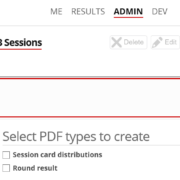
The Bridge+More solution offers several options to create pdf files – including player/pair details (as PDF). After you have created the pdf files you can download, mail or print the pdf file
 Bridge Company A/S