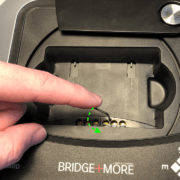
4.13 How to you use the Dealer card gap adjustment feature
How to use the Dealer’s card gap adjustment feature – on the Select+ 4, Select+ and the Premium dealer (Classic dealer can be upgraded)

How to use the Dealer’s card gap adjustment feature – on the Select+ 4, Select+ and the Premium dealer (Classic dealer can be upgraded)
You can use any Android tablet / phone that has Bluetooth, Wi-Fi or internet and has Android 4.4.2. We support the most common screen resolutions
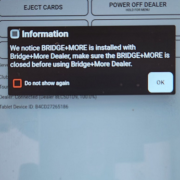
Ensure Optimal Performance: Uninstall old Bridge+More app versions and update to the latest via official platforms for the best experience.
Uninstalling Apps Made Easy: Learn how to quickly remove apps on Android, iOS, and other devices with simple step-by-step instructions.
The Bridge+More solution offers several options to create Excel files – including player /pair details.
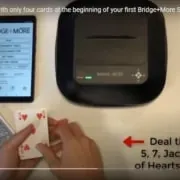
How to do a fast calibration of the bridge dealer with only 4 cards? (Basic)
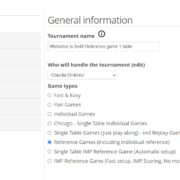
Click on this box to learn how to create your first game on the tablet in just a few clicks. Easy and simple to manage.
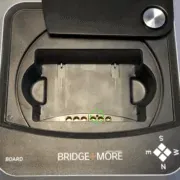
If you need to reset the Bridge+More dealer it is easy as you have several options:
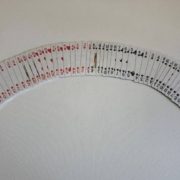
The Bridge+More solution is a complete solution and creates all the hands – you need – but you might want to play or import a specific card distribution. Therefore, the Bridge+More solution offers multiple import options and the import feature reads all known Bridge file formats.
 Bridge Company A/S