How to set the dealer to deal random cards
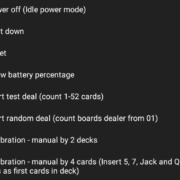
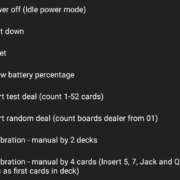
How to set the dealer to deal random cards – it is actually easy to do. Start dealing with random cards is done with the power button.
How to know if your cards are still good to play with?
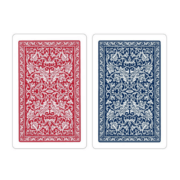
It’s actually quite easy to check. In addition to looking for any physical damage to the cards, you can also check their serial numbers to determine whether they are still suitable for play.
How to keep the Bridge+More dealer’s battery charged – besides the two automatic turn off features battery charge will depend primarily on the power off method – read more …………
How to turn the Bridge+More Dealer On
How to manually do a thorough calibration of the bridge dealer with 52 cards? (Advanced)
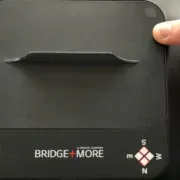
Please lift the bridge dealer up and carefully turn it around.
You can see the following:
……….
How to handler player details – Does a player need to be registered as a user and have an email? No – but read more about the many options ….
Click here to see a video of how to prepare the playing cards for a bridge game on the dealer
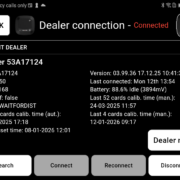
How to see if a Bridge+More tablet and dealer are connected via Bluetooth? Simply on the tablet click one of the “Locate Dealer” button to see if a dealer is connected. If connected the dealer’s LEDs will blink
How to use the Dealer’s card gap adjustment feature – on the Select+ 4, Select+ and the Premium dealer (Classic dealer can be upgraded)